
Start with one page
Create a page and give it a title. It can stay a note or slowly grow into a complete project.
The Quille guide
There is no system to learn first. Write the opening line and structure will appear when you need it.
See the quick startCreate a page and give it a title. It can stay a note or slowly grow into a complete project.
Use a document to focus, a list to compare, and a board or timeline to reveal relationships.
Use subpages for chapters, sources, and ideas. You never need a perfect system before you begin.
Use the same account on Mac and iPhone so the project stays close at hand.
Meet your workspace
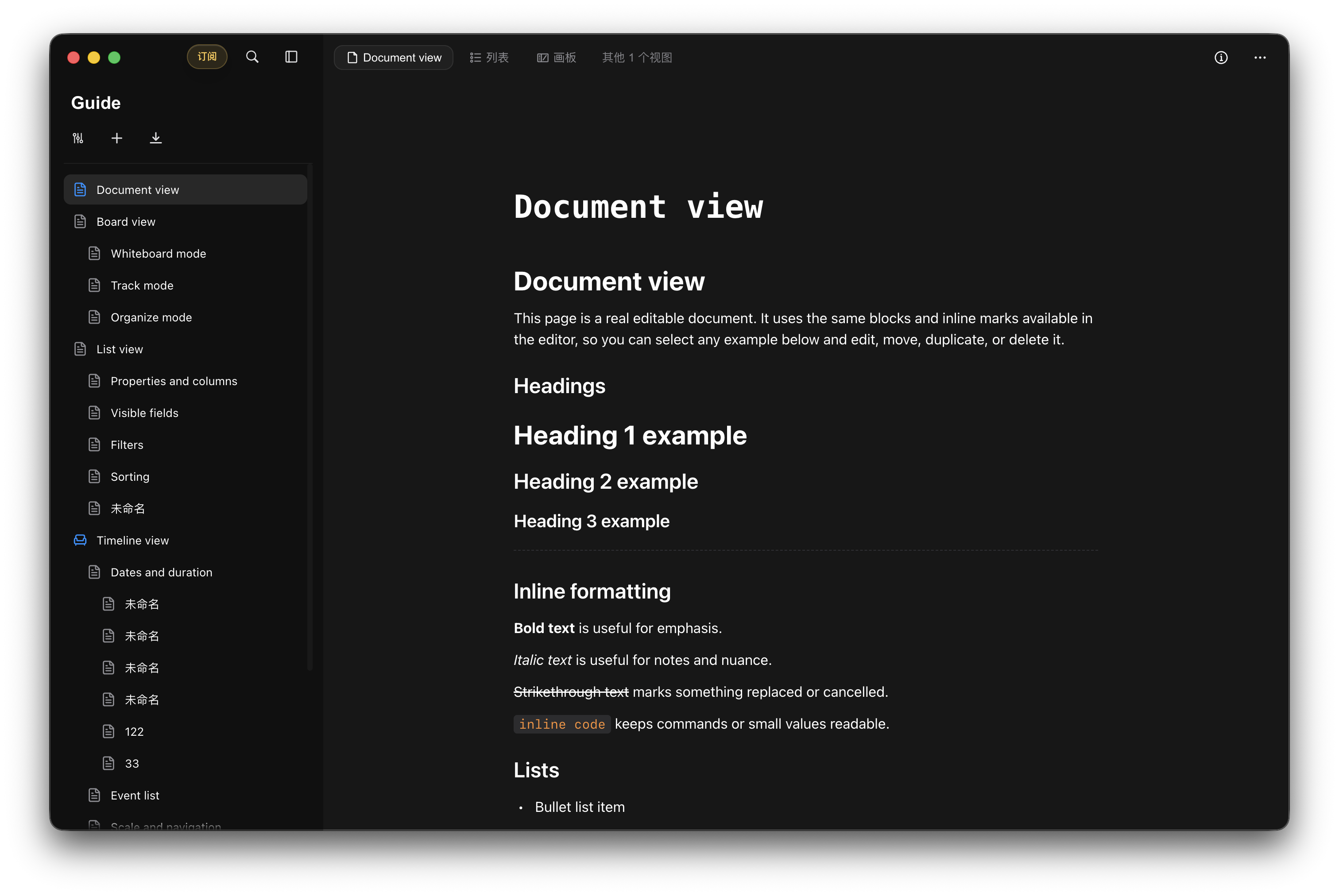
Choose a page in the library, then change views from the top. Every project can have its own structure, so your thinking never has to bend around a template.
Frequently asked questions
Writing, knowledge organization, research, project planning, and worldbuilding all fit naturally. Begin with a simple document and add other views when you need them.
They are different perspectives on the same project. Each view helps you see and organize the same content in the way that fits the moment.
Quille is designed for Mac and iPhone.
Choose Restore Purchases on Quille's subscription page and make sure the device uses the Apple ID that made the purchase.
Still looking for an answer?